✨ AI Video GenNew
Bring your images to life instantly with AI!
✨ AI Video GenNew
Bring your images to life instantly with AI!
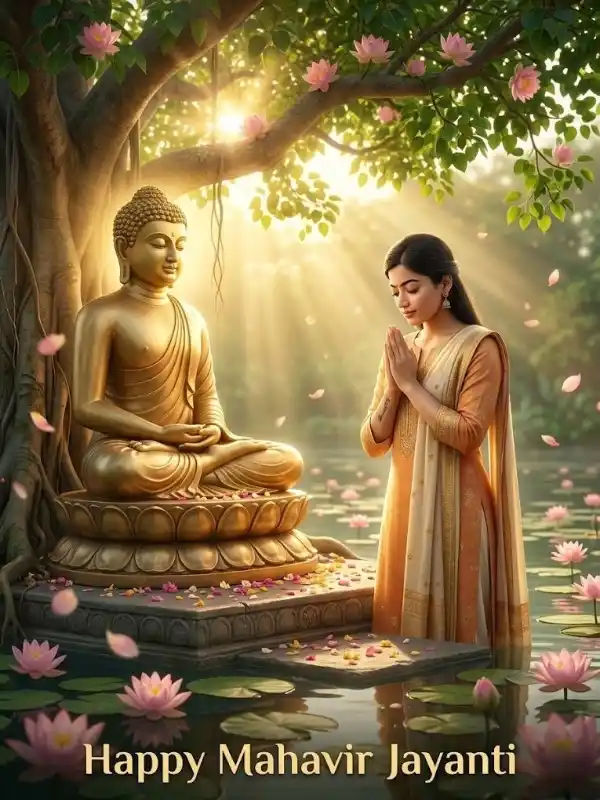
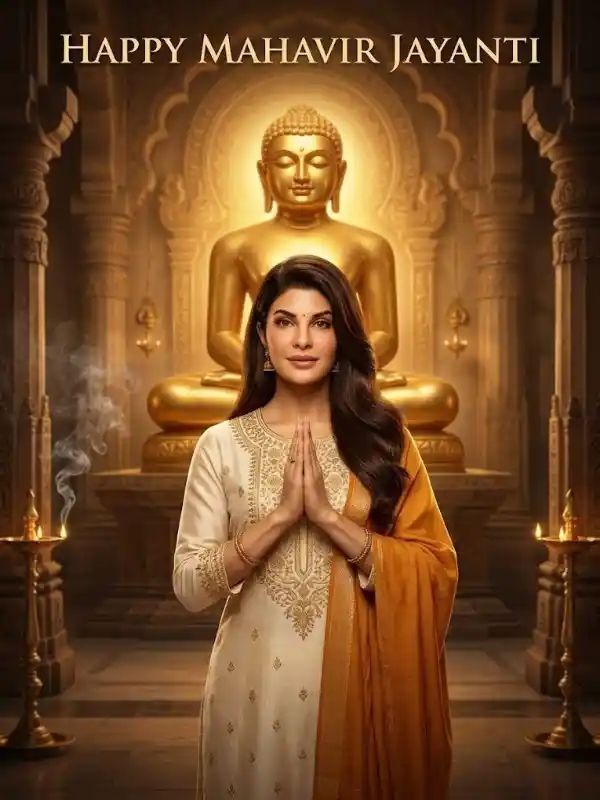
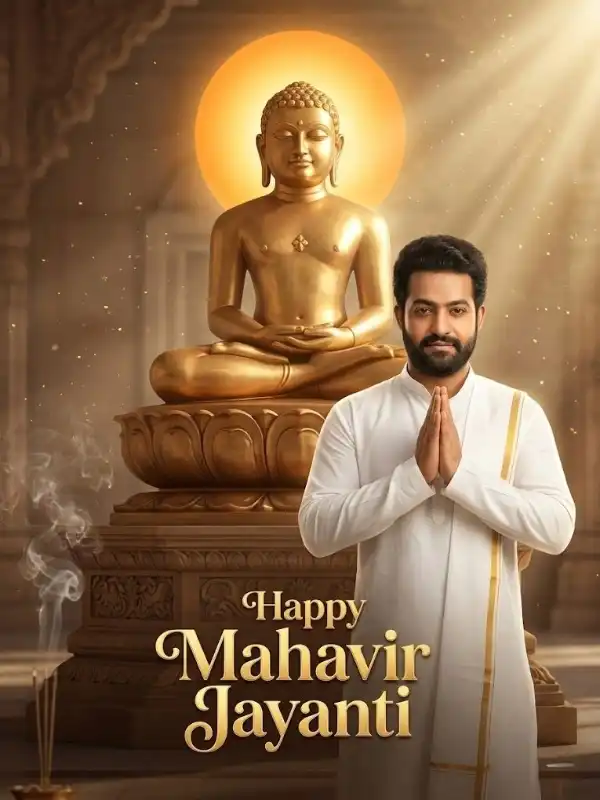
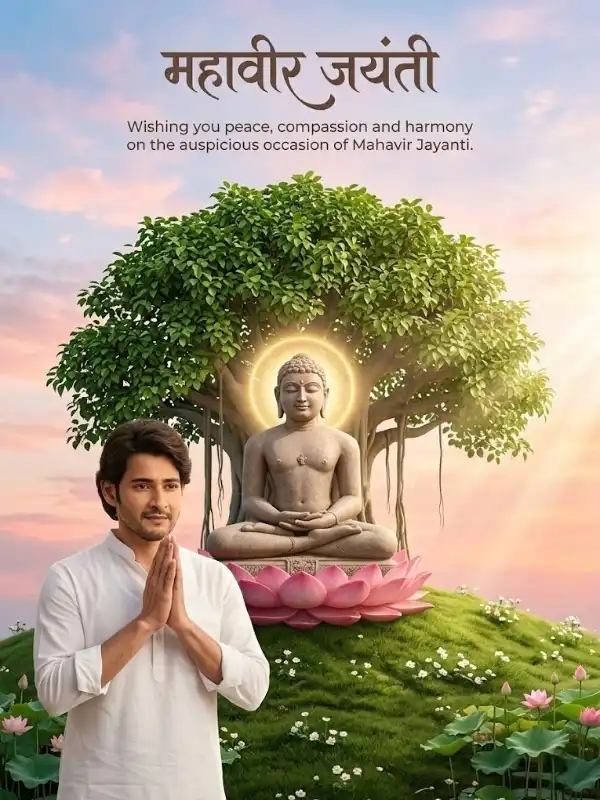
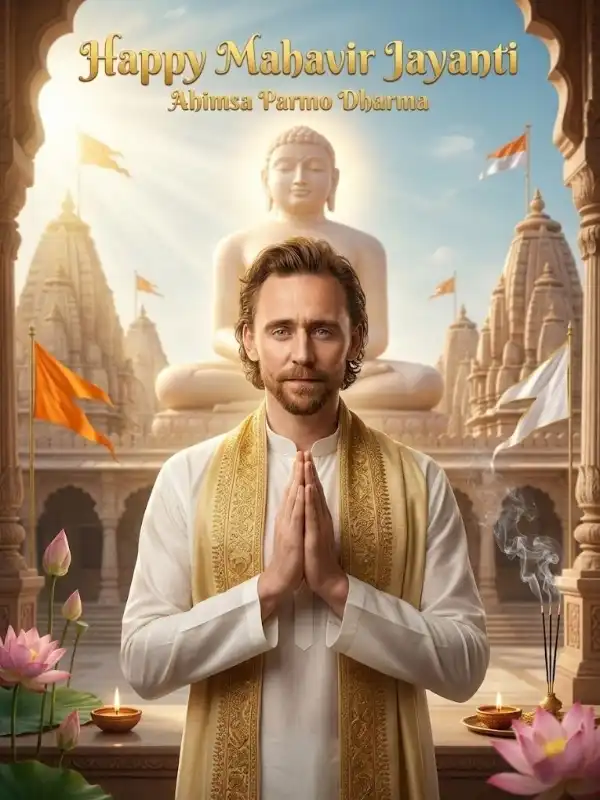
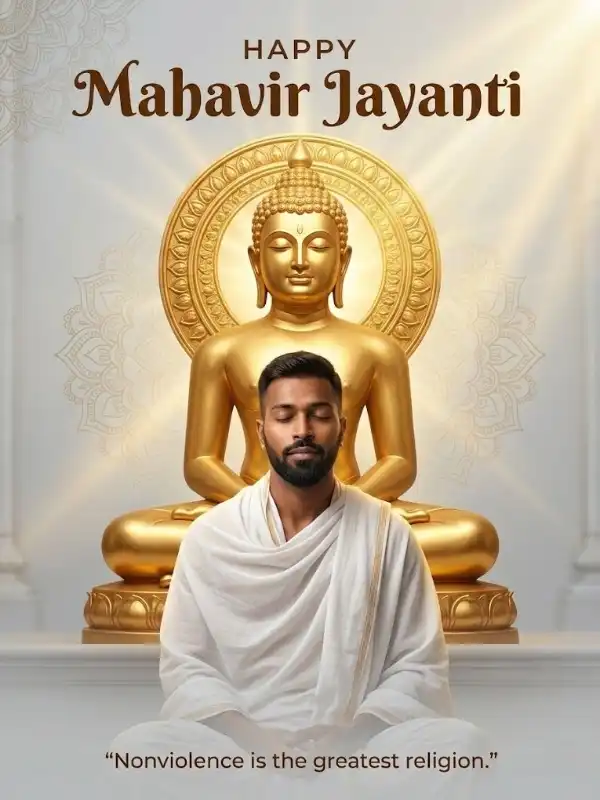
Mahavir Jayanti is a sacred festival that represents peace, truth, and non-violence. In the modern digital era, people don’t just post photos—they transform them into meaningful and visually stunning creations. This is where a powerful mahavir jayanti photo editing prompt becomes essential. With AI-powered editing tools, you can convert a simple photo into a spiritual masterpiece. Whether it’s your personal portrait, a temple image, or a festival photo, the right editing prompt can add divine lighting, peaceful atmosphere, and cinematic quality within seconds. Why Photo Editing Prompts Are Trending AI photo editing is rapidly growing because it allows creators to achieve professional results without advanced skills. Using a mahavir jayanti photo editing prompt, you can: Add spiritual aura and glow Replace backgrounds with temples or nature Enhance lighting and mood Create cinematic and Instagram-ready visuals This makes your content more engaging and shareable. What Makes a Perfect Editing Prompt To get the best results from a mahavir jayanti photo editing prompt, include: Lighting: Golden glow, soft sunlight, divine rays Background: Jain temple, peaceful nature, spiritual setting Mood: Calm, devotional, serene Effects: Glow, fog, depth of field Style: Cinematic, realistic, DSLR look A well-balanced prompt ensures natural and high-quality edits. 🔥 Best Mahavir Jayanti Photo Editing Prompts (Copy-Paste) 1. Divine Golden Aura Edit Transform the photo into Mahavir Jayanti theme, add soft golden sunlight rays, glowing spiritual aura around subject, warm tones, cinematic lighting, ultra-realistic, high detail 2. Temple Background Replace Replace background with a grand Jain temple, intricate carvings, soft fog, divine light rays, realistic lighting, depth of field, ultra HD quality 3. Diya Festival Glow Effect Add glowing diya lights around subject, warm festive tones, soft reflections, enhance colors, smooth skin tones, spiritual and calm atmosphere 4. Soft Portrait Enhancement Enhance face with soft lighting, subtle golden highlights, slightly blurred background, peaceful mood, DSLR-style depth of field, natural skin tone 5. Nature Spiritual Edit Place subject in a peaceful forest environment, sunlight filtering through trees, soft mist effect, calm and divine atmosphere, cinematic look 6. Cinematic Instagram Edit Apply cinematic color grading, golden hour lighting, high contrast, shallow depth of field, sharp subject focus, blurred background, ultra HD 7. Minimal Clean Edit Keep subject natural, add soft white background, subtle glow, minimal design, elegant and modern spiritual look