✨ AI Video GenNew
Bring your images to life instantly with AI!
✨ AI Video GenNew
Bring your images to life instantly with AI!
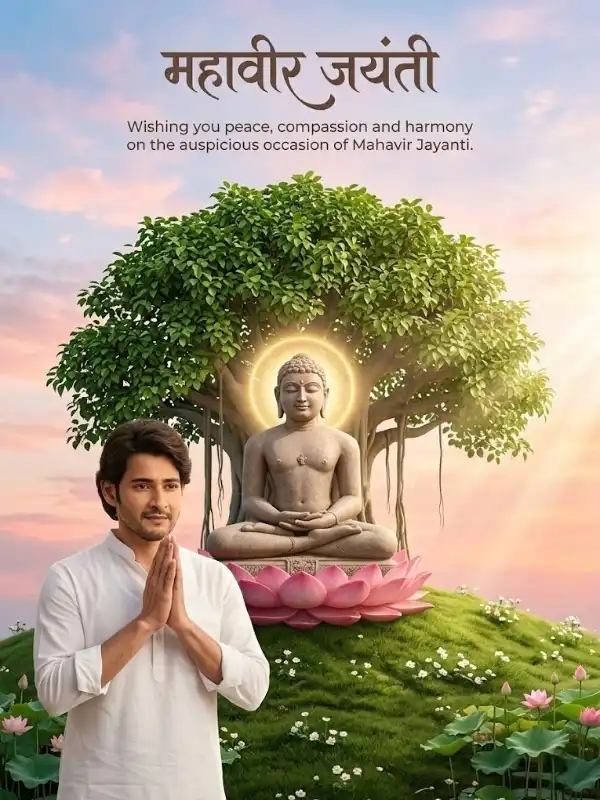
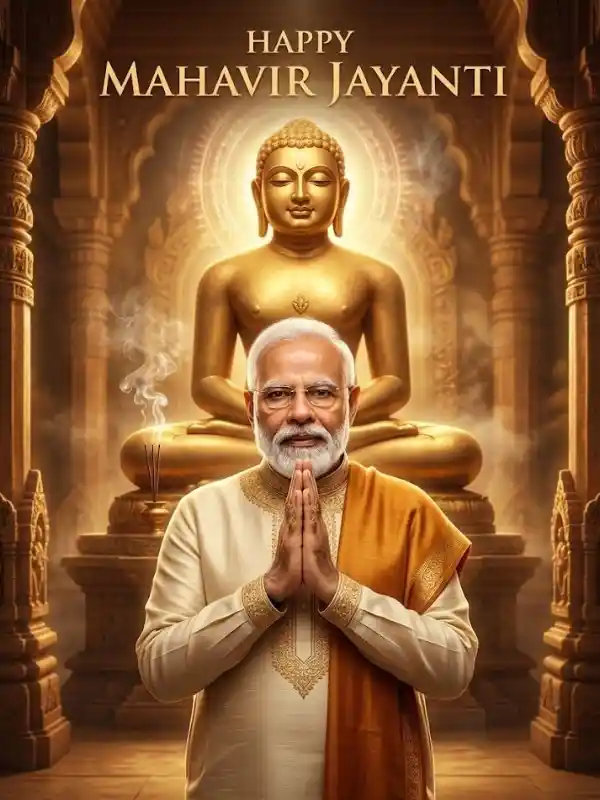
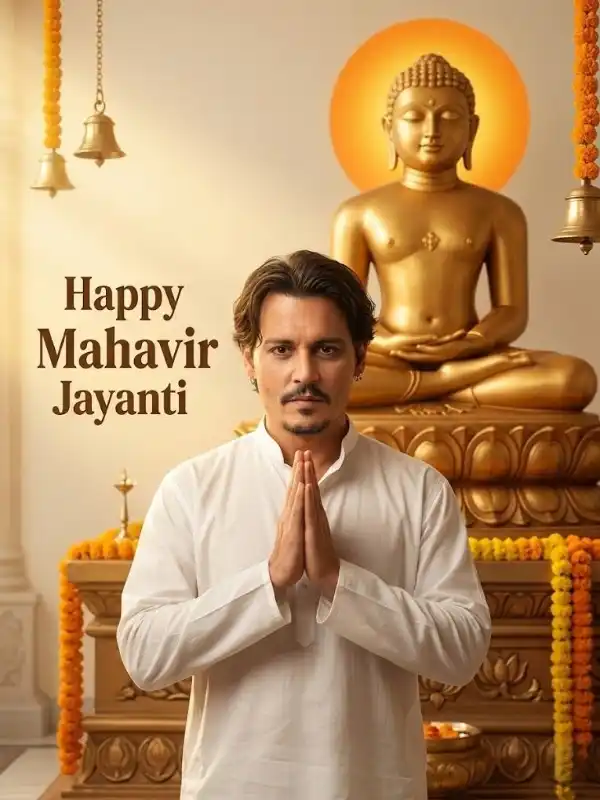
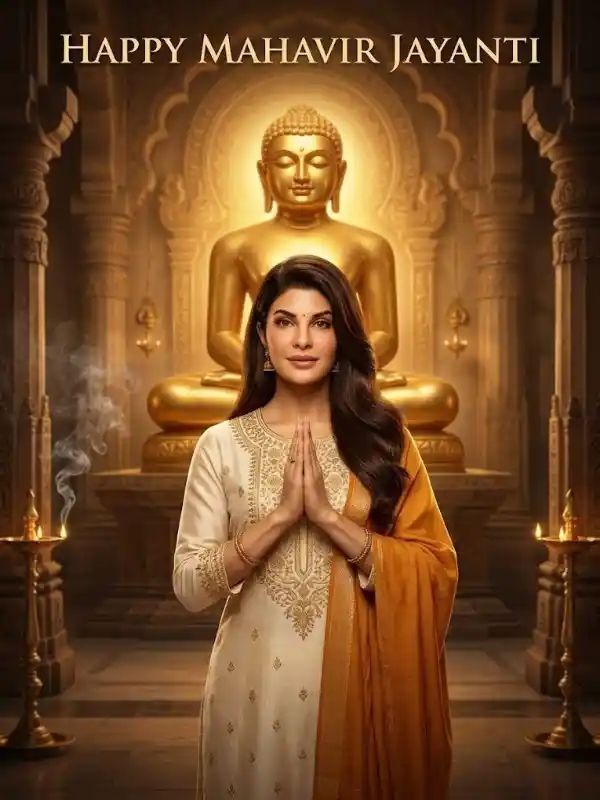
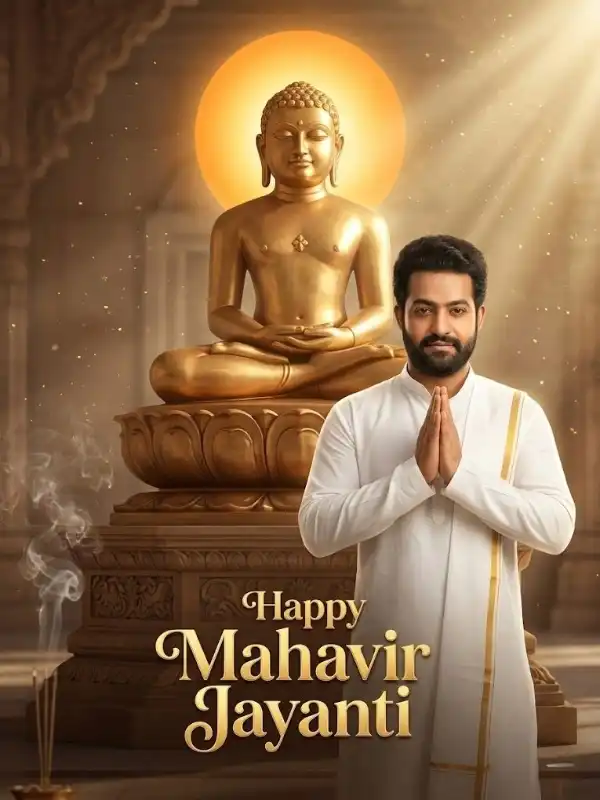
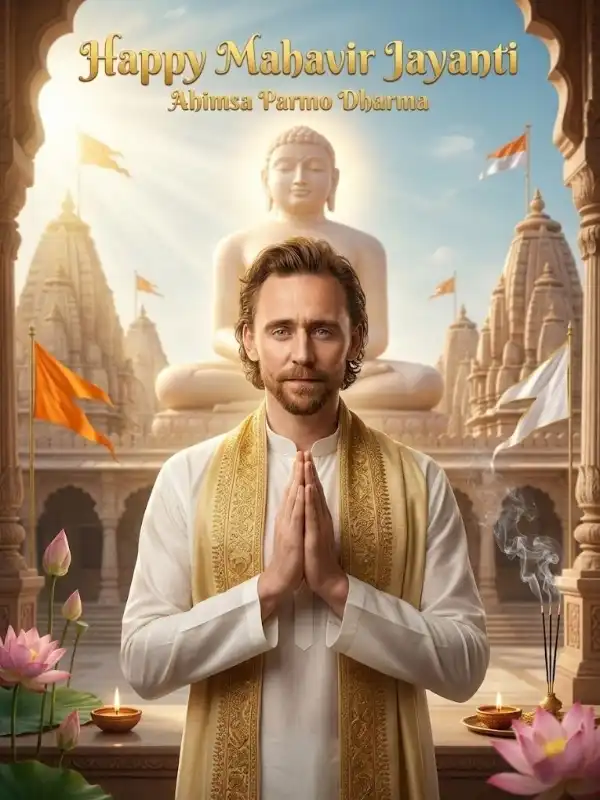
Mahavir Jayanti is a sacred festival that symbolizes peace, non-violence, and spiritual awakening. In today’s digital era, people are not just sharing images—they are editing and transforming them into visually stunning creations. This is where the mahavir jayanti photo editing prompt becomes a powerful tool for creators. Instead of using basic filters, AI-powered editing allows you to completely transform your photos into cinematic, spiritual, and high-quality visuals. Whether you are editing your own photo or enhancing a festival image, the right prompt can turn an ordinary picture into something extraordinary. Why Photo Editing Prompts Are Trending AI photo editing is rapidly growing because it offers: Professional-level edits in seconds Creative control over lighting and mood Unique and personalized visuals Better engagement on social media Using a mahavir jayanti photo editing prompt, you can add divine lighting, temple backgrounds, spiritual aura, and cinematic effects without advanced editing skills. What is a Photo Editing Prompt? A photo editing prompt is a detailed instruction given to AI tools to modify an existing image. Unlike image generation prompts, editing prompts enhance or transform a real photo. For Mahavir Jayanti, these prompts typically include: Golden spiritual lighting Temple or divine backgrounds Soft glow effects Traditional festive elements like diya and flowers This helps create visuals that feel festive and meaningful. 🔥 Best Mahavir Jayanti Photo Editing Prompts (Copy-Paste) 1. Golden Aura Spiritual Edit Transform the photo into a Mahavir Jayanti theme, add soft golden sunlight rays, glowing spiritual aura around the subject, warm tones, cinematic lighting, high detail, realistic shadows 2. Temple Background Edit Replace background with a grand Jain temple, add soft fog and divine light rays, enhance colors, realistic lighting, depth of field, ultra HD quality 3. Diya Festival Glow Edit Add glowing diya lights around the subject, warm festive tones, soft light reflections, smooth skin tones, spiritual atmosphere, cinematic edit 4. Soft Divine Portrait Edit Enhance face lighting with soft glow, add subtle golden highlights, blur background slightly, create peaceful and calm mood, DSLR-style depth of field 5. Nature Spiritual Edit Place subject in a peaceful natural environment, sunlight filtering through trees, soft mist effect, calm spiritual vibe, ultra-realistic editing 6. Instagram Cinematic Edit Apply cinematic color grading, golden hour lighting, shallow depth of field, sharp focus on subject, blurred background, high contrast, reel-ready output ✅ How to Use These Prompts You can use these mahavir jayanti photo editing prompt in: Gemini (image editing mode) Photoshop AI tools Remini AI Stable Diffusion (img2img) Steps: Upload your photo Paste the prompt Adjust intensity if needed Generate and refine Pro Tips for High-Quality Edits To get professional results: Use high-resolution original images Add lighting details (golden, soft, cinematic) Keep prompts clear and structured Avoid over-editing (keep it natural) Use 3:4 ratio for social media and SEO Best Use Cases A strong mahavir jayanti photo editing prompt can be used for: Instagram & Reels Create viral, aesthetic visuals that grab attention. WhatsApp Status Share personalized festival edits with friends and clients. Branding & Marketing Use edited images for promotions and festive campaigns. Blog & Website Improve visual appeal and user engagement. Common Mistakes to Avoid Using low-quality images Writing very vague prompts Overloading too many effects Ignoring lighting consistency Clean and balanced edits always perform bettes