✨ AI Video GenNew
Bring your images to life instantly with AI!
✨ AI Video GenNew
Bring your images to life instantly with AI!
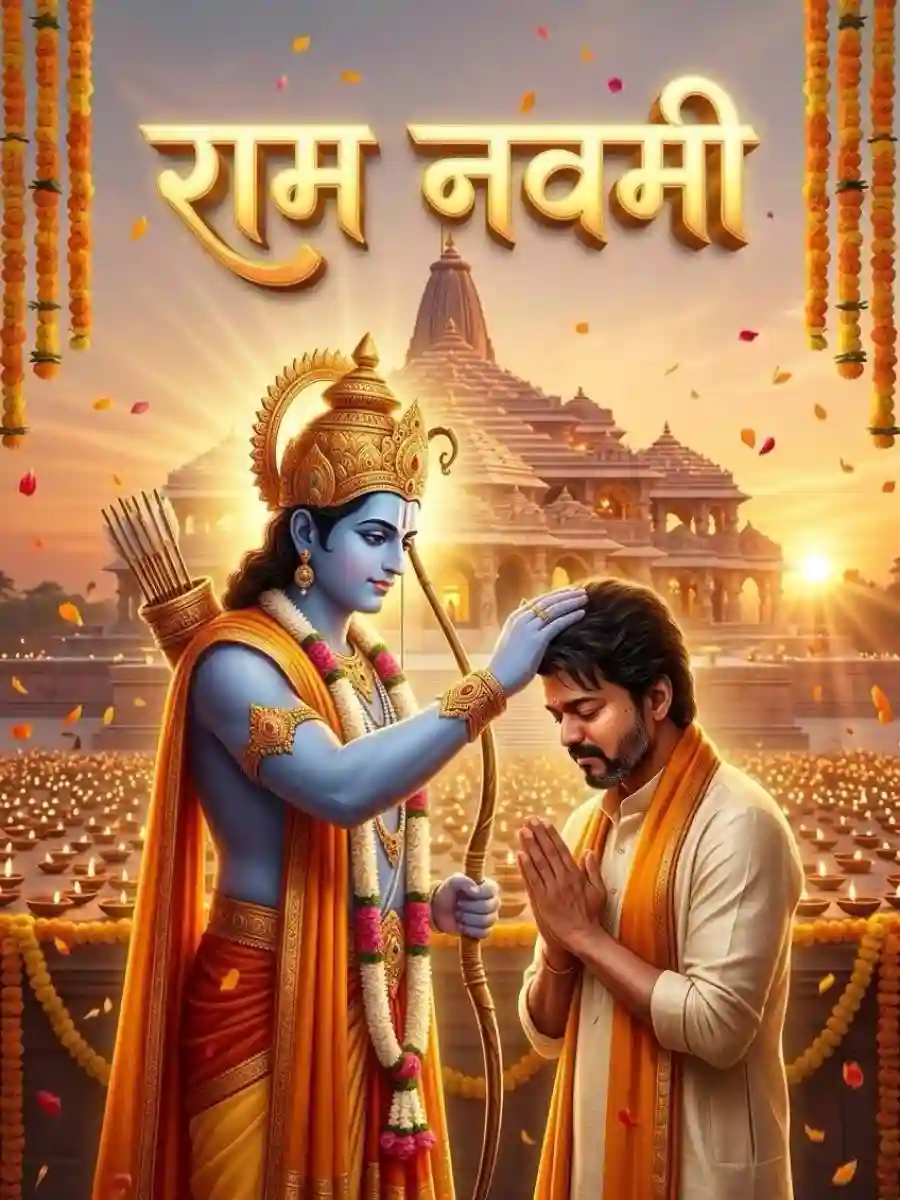
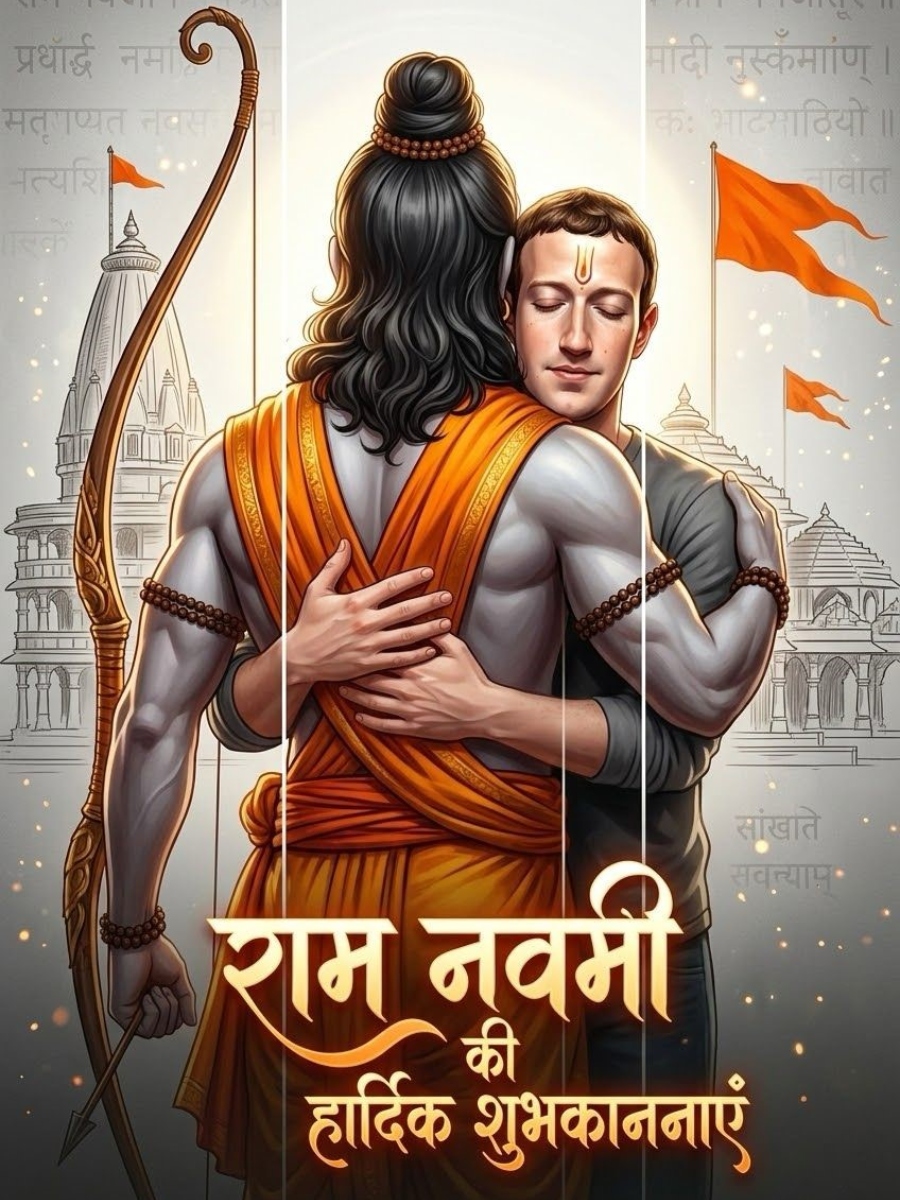
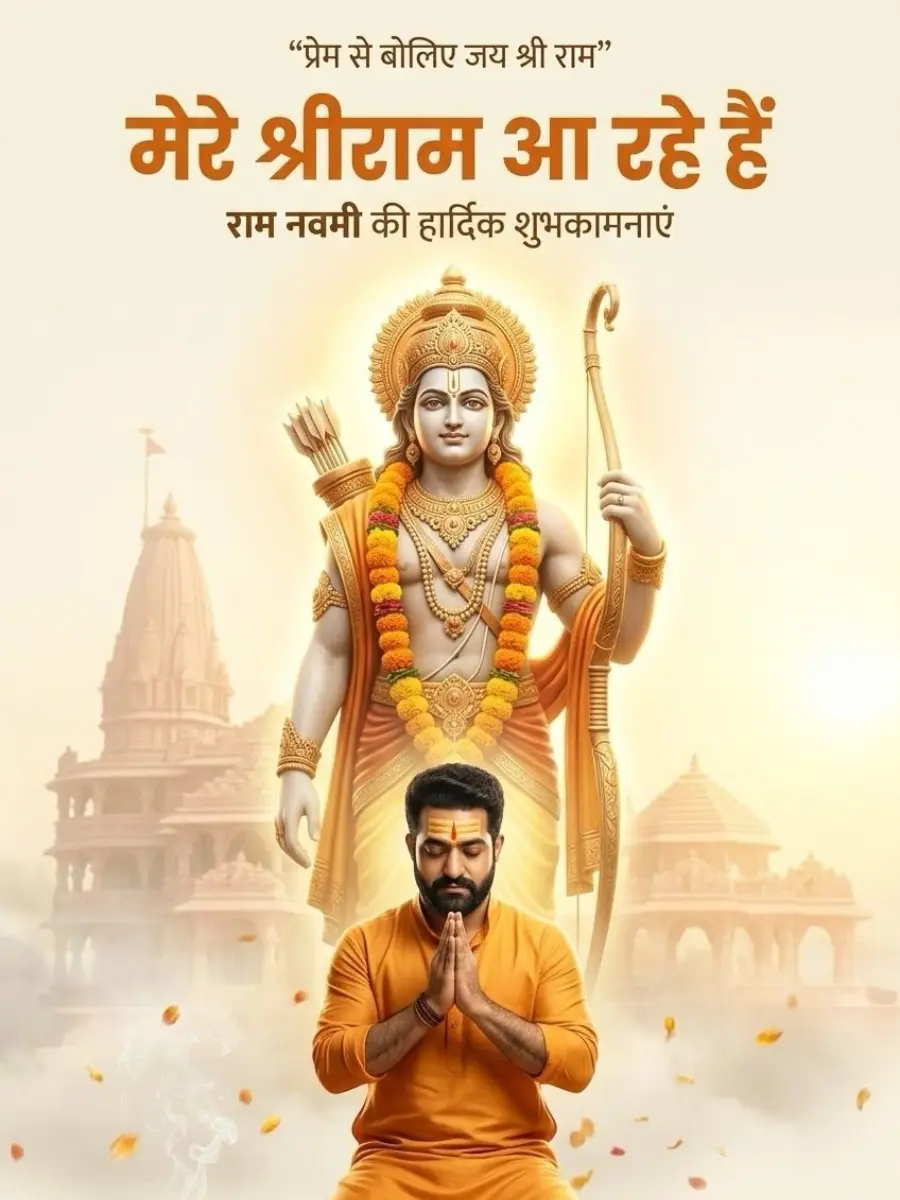
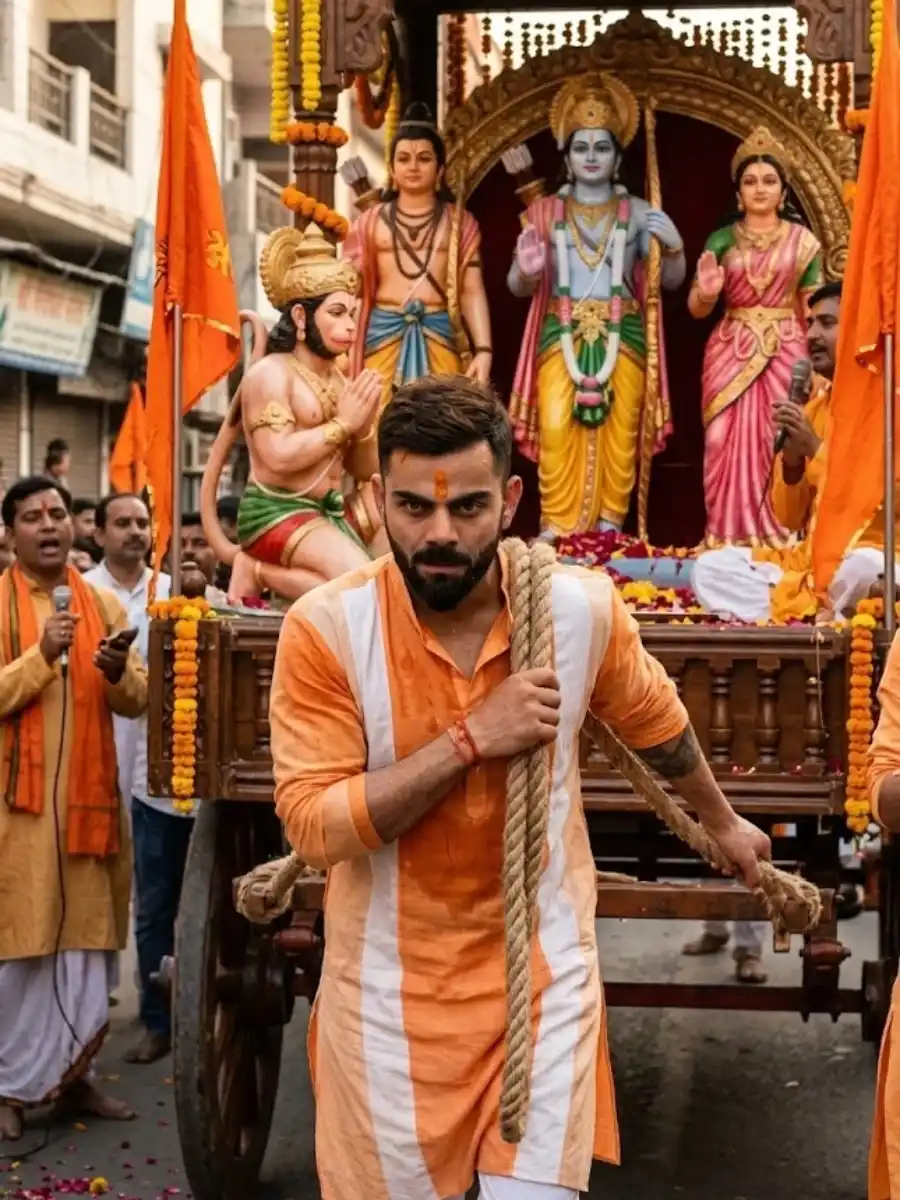
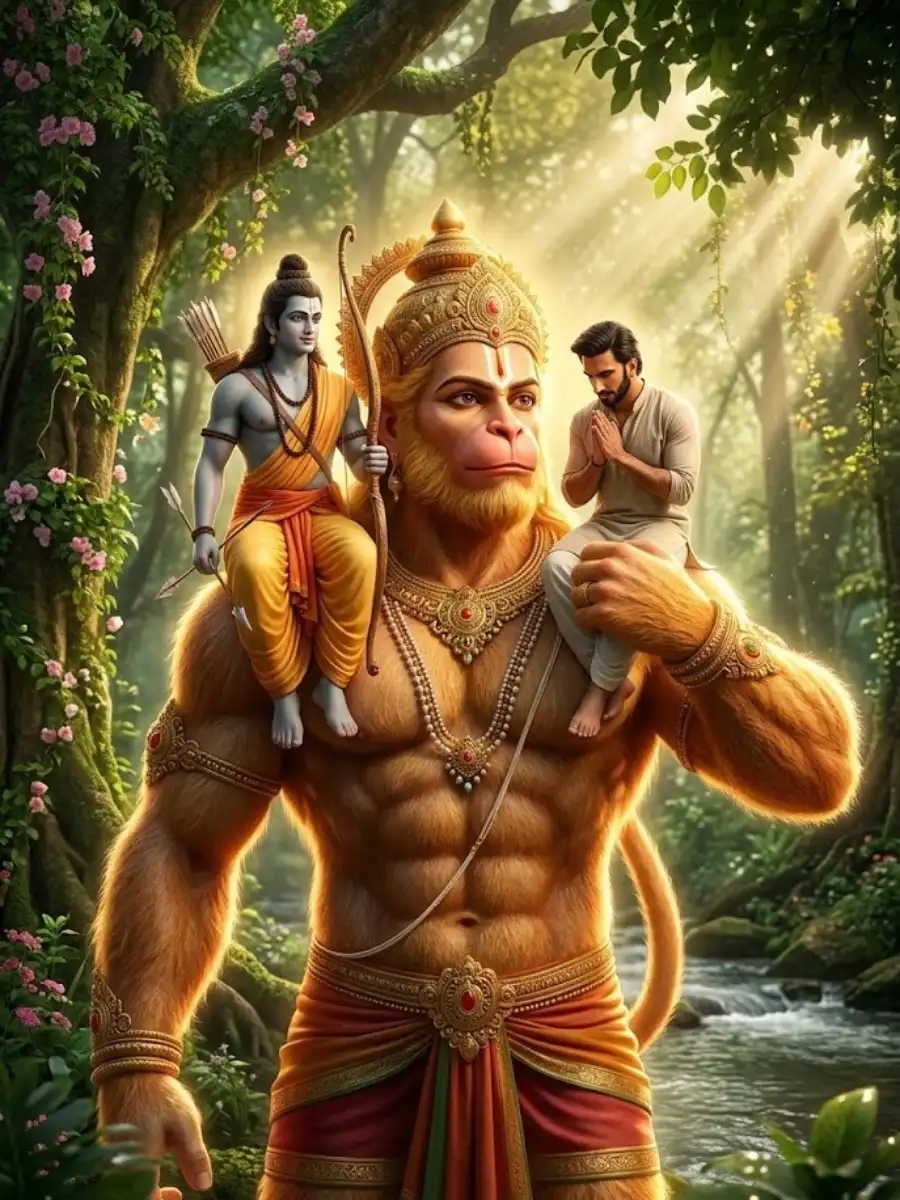
Google Gemini Ram Navami AI Photo Editing Artificial intelligence tools are changing how people create and edit photos. With platforms like Google Gemini AI, users can transform normal photos into beautiful festival images using simple prompts. One popular use of this technology is Google Gemini Ram Navami AI photo editing, which allows people to create devotional visuals celebrating the sacred Hindu festival of Ram Navami. Ram Navami celebrates the birth of Lord Shri Ram, one of the most important deities in Hindu tradition. The festival is celebrated with temple visits, devotional prayers, spiritual songs, and colorful decorations. With AI photo editing tools, people can now convert their photos into festival-themed images with temples, saffron flags, and divine backgrounds. Using Ram Navami AI photo editing prompts, Gemini AI can create highly detailed festival scenes around your photo. What Is Google Gemini Ram Navami AI Photo Editing? Google Gemini Ram Navami AI photo editing is a process where users upload a photo and use AI prompts to transform it into a Ram Navami-themed image. Instead of creating a new image from scratch, the AI edits the existing photo and adds festival elements such as: Ram temple backgrounds saffron flags and flower garlands diyas and rangoli designs divine lighting effects idols or statues of Lord Ram This helps create a spiritual festival atmosphere in the photo. Ram Navami AI Photo Editing Prompt Example Here is a Google Gemini Ram Navami AI photo editing prompt you can use. Prompt “Edit the uploaded photo into a Ram Navami festival scene in India. Keep the person exactly the same and place them in front of a beautifully decorated temple dedicated to Lord Shri Ram. Add saffron flags, flower garlands, diyas, and rangoli around the temple. In the background, include a divine idol of Lord Ram holding a bow and arrow. Use warm golden lighting to create a peaceful and devotional atmosphere. Flower petals are scattered on the ground and devotees are visible in the background. Ultra-realistic photography, natural colors, highly detailed textures, spiritual festival environment, 8K resolution.” Why Ram Navami AI Photo Editing Is Popular Festival AI photo editing is becoming popular because people enjoy sharing personalized festival images on social media. The Google Gemini Ram Navami AI photo editing trend allows users to transform their own photos into devotional festival scenes. These images are commonly used for: Ram Navami greeting posts social media festival celebrations digital festival posters devotional wallpapers cultural storytelling visuals It allows people to combine personal photos with spiritual themes. Tips for Better Ram Navami AI Photo Editing To create high-quality Ram Navami AI edited photos, follow these tips. Keep the Person Natural When editing photos, ensure the person’s face and body remain unchanged. Add Festival Decorations Include elements like: flower garlands saffron flags diyas rangoli patterns These help create a festive environment. Use Temple Backgrounds Temples dedicated to Lord Ram make the scene feel more devotional. Add Spiritual Lighting Golden sunlight or divine rays can enhance the spiritual atmosphere. Where to Use Ram Navami AI Edited Photos Images created with Google Gemini Ram Navami AI photo editing can be used in many ways. Social Media Festival Posts People often share personalized Ram Navami greetings online. Festival Greeting Cards AI-edited images can be used for digital greeting designs. Temple Event Promotions Religious organizations may use devotional visuals for festival promotions. Cultural Content Creation Creators can showcase Indian traditions and spiritual festivals. Final Thoughts Google Gemini Ram Navami AI photo editing is a creative way to transform ordinary photos into beautiful devotional festival images. By combining temple backgrounds, spiritual lighting, and traditional decorations, AI tools can generate meaningful visuals celebrating Ram Navami.