Article Overview
In-depth analysis and key takeaways
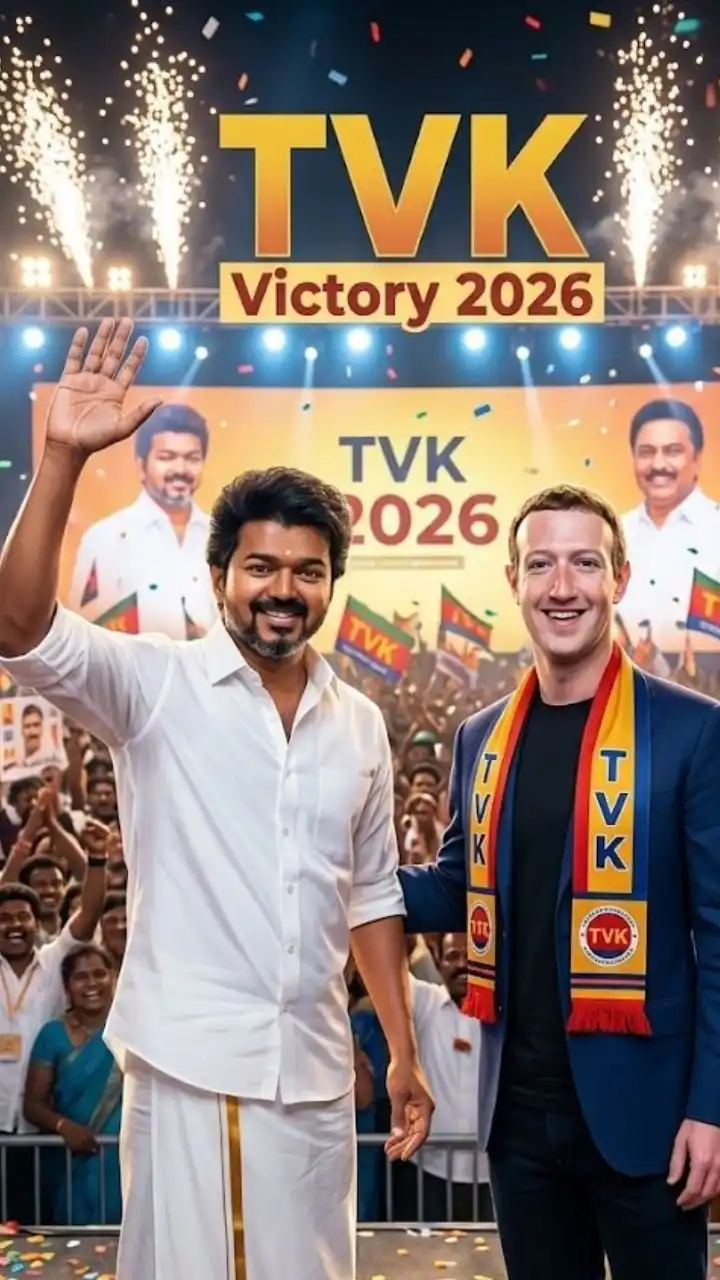
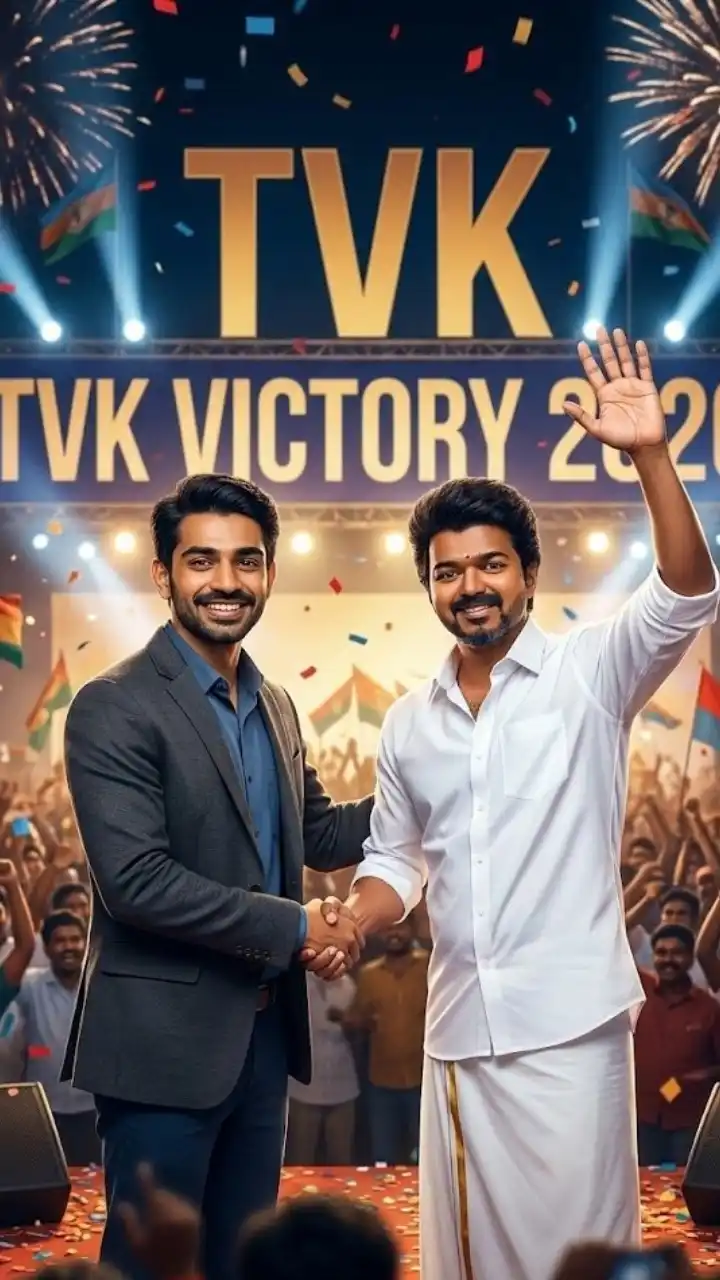
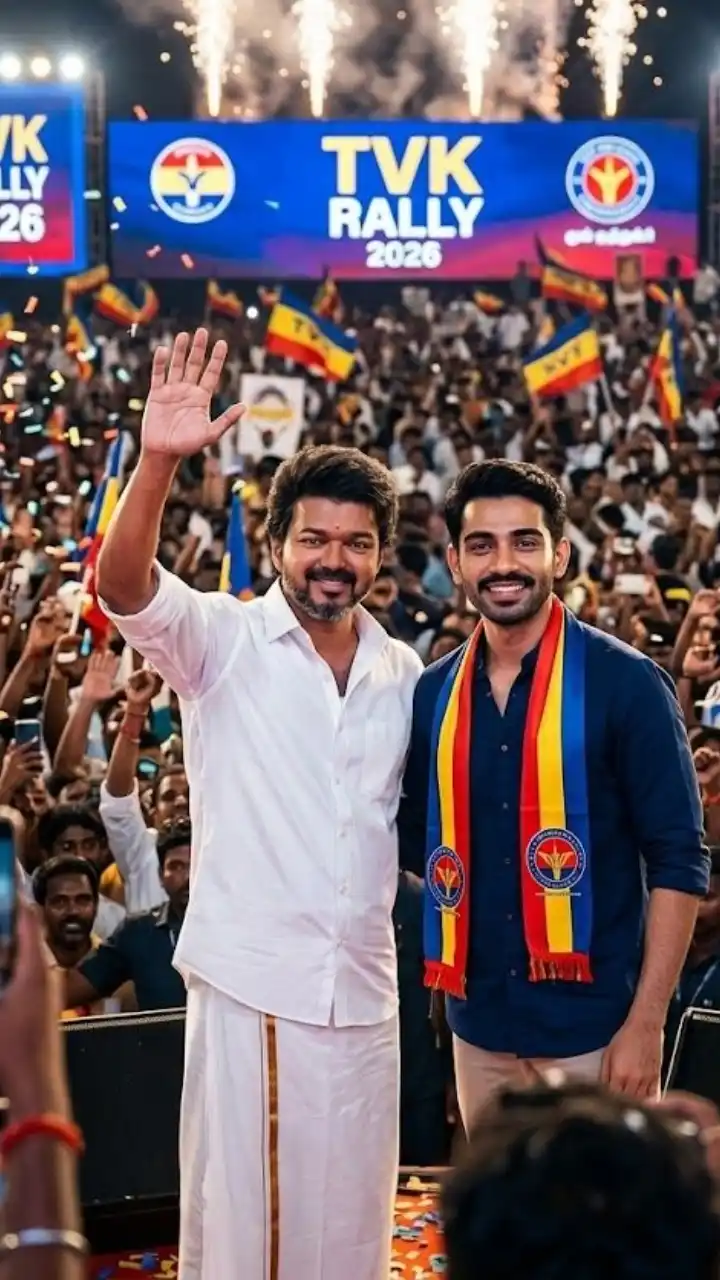
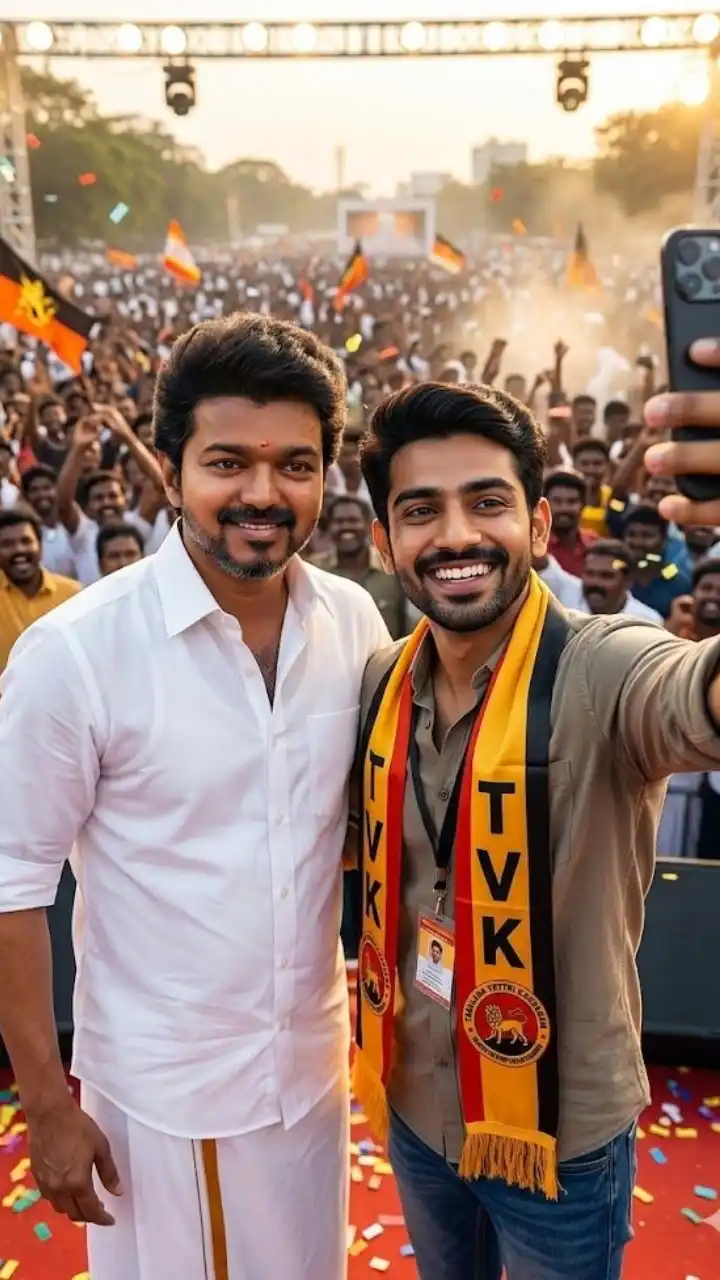
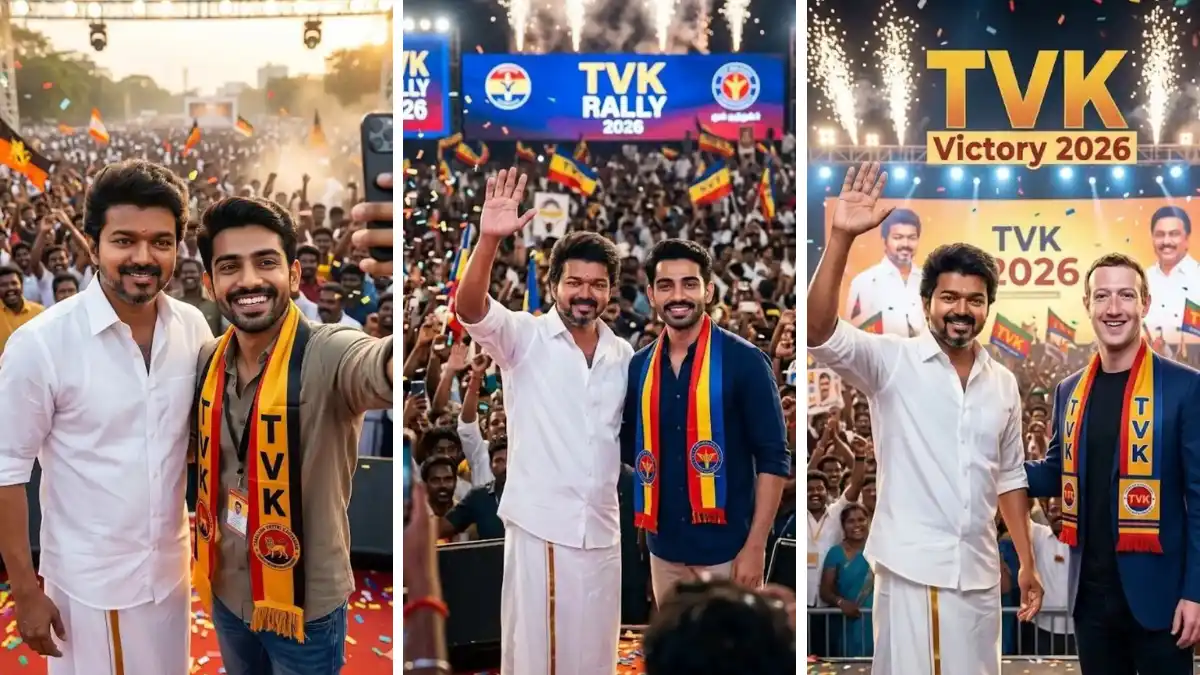
TVK Vijay Photo Gemini AI Prompt — Create Viral Fan Images in Minutes If you are a Thalapathy Vijay fan and want to create stunning AI photos with TVK style, you are in the right place. Right now, the TVK Vijay photo Gemini AI prompt trend is going absolutely viral across Instagram, Reels, and AI art communities. Thousands of fans are using Google Gemini AI and ChatGPT to generate cinematic photos, selfies with Vijay, political rally scenes, and eye-catching profile pictures — all without any editing skills. In this guide, you will learn exactly how to use the best TVK Vijay photo Gemini AI prompt to create professional-looking images in just a few minutes. Whether you want a supporter poster, a Vote TVK photo, a selfie with Thalapathy Vijay, or a dramatic cinematic fan art, the right prompt makes all the difference. Why is TVK Vijay Prompt Trending Right Now? The 2026 Tamil Nadu Assembly Election has brought a massive wave of TVK content online. Thalapathy Vijay officially launched his political party Tamilaga Vettri Kazhagam (TVK) and fans across Tamil Nadu are showing their support by creating and sharing AI-generated images on social media. With red and yellow TVK colors, whistle poses, flag scenes, and selfie-with-Vijay edits flooding Instagram and Reels, this is easily one of the biggest AI photo trends of 2026. The best part is that you do not need Photoshop or any design experience. Just upload a clear photo of yourself, copy a TVK Vijay Gemini AI prompt, paste it into Google Gemini, and generate your image in seconds. It is that simple. What Can You Create with a TVK Vijay Gemini AI Prompt? Using the right TVK Vijay photo Gemini AI prompt, you can create: Selfie with Vijay — A realistic fan-meet style photo standing beside Thalapathy Vijay with TVK scarf and natural background Vote TVK Supporter Photo — A political campaign-style image with voting ink finger, red-yellow scarf, and Tamil Nadu map background TVK Flag Photo — Full body shot holding the TVK flag high with a rally crowd and golden hour lighting Cinematic Fan Poster — Dramatic neo-noir or cinematic lighting portrait with bold TVK color theme TVK Photo for Girls — Elegant saree look with TVK colors, jewelry, and campaign poster aesthetic DP and Profile Picture — Circular or square cropped AI image perfect for WhatsApp DP, Instagram DP, or Twitter profile All of these styles are trending heavily right now on Instagram Reels and YouTube Shorts. If you post a quality TVK AI photo today, it has a very high chance of going viral because of the election results buzz. How to Use TVK Vijay Photo Gemini AI Prompt — Step by Step Creating your TVK AI photo is simple and takes only a few minutes. Here is how to do it: Step 1: Clear ane high-quality face photo select karo. Photo blur na hoy ane face proper visible hoy. Natural lighting ma leli selfie best result aapse. Step 2: Niche aapela TVK Vijay Gemini AI prompt copy karo ane Google Gemini ma paste karo. Apni photo upload karo saathe. Step 3: "Generate" button par click karo ane system ne image create karva do. 10-15 seconds ma result ready thase. Step 4: Image ready thai jai pachhi "Download" ke "Share" button par click karo ane generated image save karo. Direct Instagram ya Reels par share kari shako. Best TVK Vijay Gemini AI Prompt (Copy-Paste Ready) Here is one of the most powerful TVK Vijay photo prompts you can use right now: "Ultra-realistic cinematic portrait of a South Indian person using the exact face from the reference image. Keep face 100% identical — no changes to facial structure, skin tone, or hairstyle. Subject wears a clean white shirt with a bold red and yellow striped TVK scarf draped naturally over shoulders. Expression is confident and powerful. Background shows a large political rally with blurred crowd, TVK flags, and golden hour lighting. Studio-quality lighting, sharp focus, 8K resolution, 9:16 portrait format." Just upload your selfie along with this prompt in Google Gemini and you will get a stunning, realistic TVK fan photo. Tips for Best Results Always use a well-lit, front-facing photo for face accuracy Mention "keep face 100% identical" in every prompt Use 9:16 ratio for Reels and Stories, 1:1 for DP Try generating 2-3 times and pick the best result Add "no blur, no noise, ultra-sharp" for cleaner output Start Creating Now The TVK election wave is at its absolute peak today. Millions of fans are sharing AI images and your content has the best chance of going viral right now. Open Google Gemini, upload your photo, paste the prompt above, and join the trend. Share your result on Instagram with the TVK hashtags below and watch your reach grow!