Article Overview
In-depth analysis and key takeaways
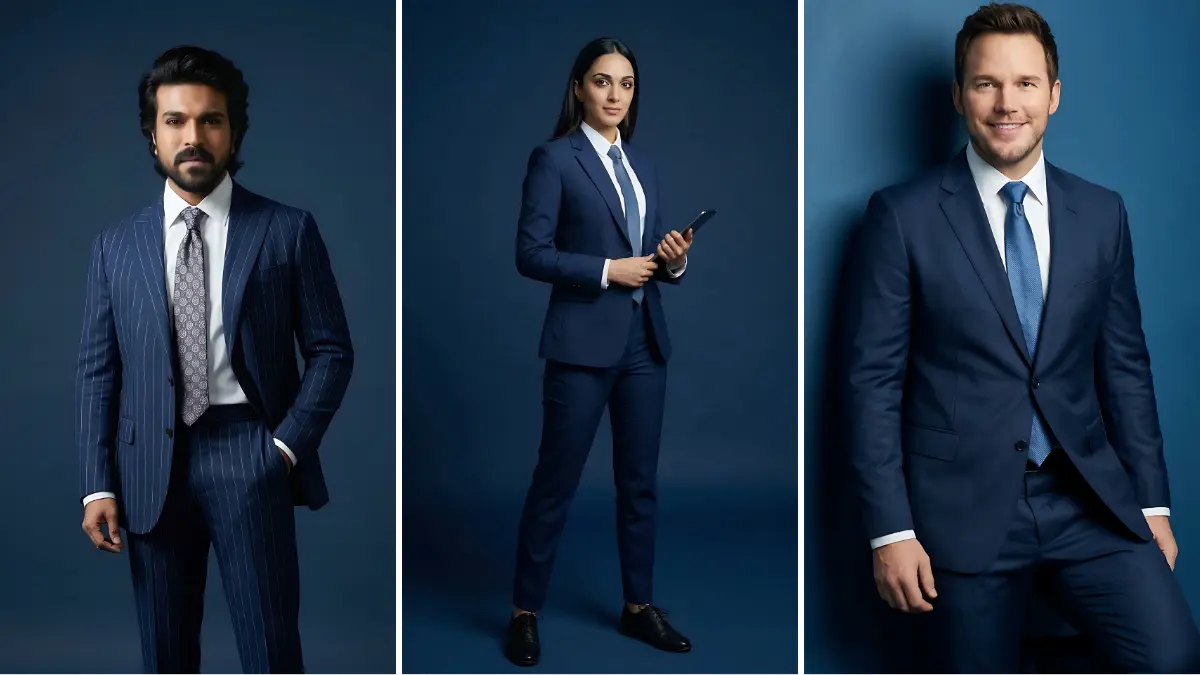
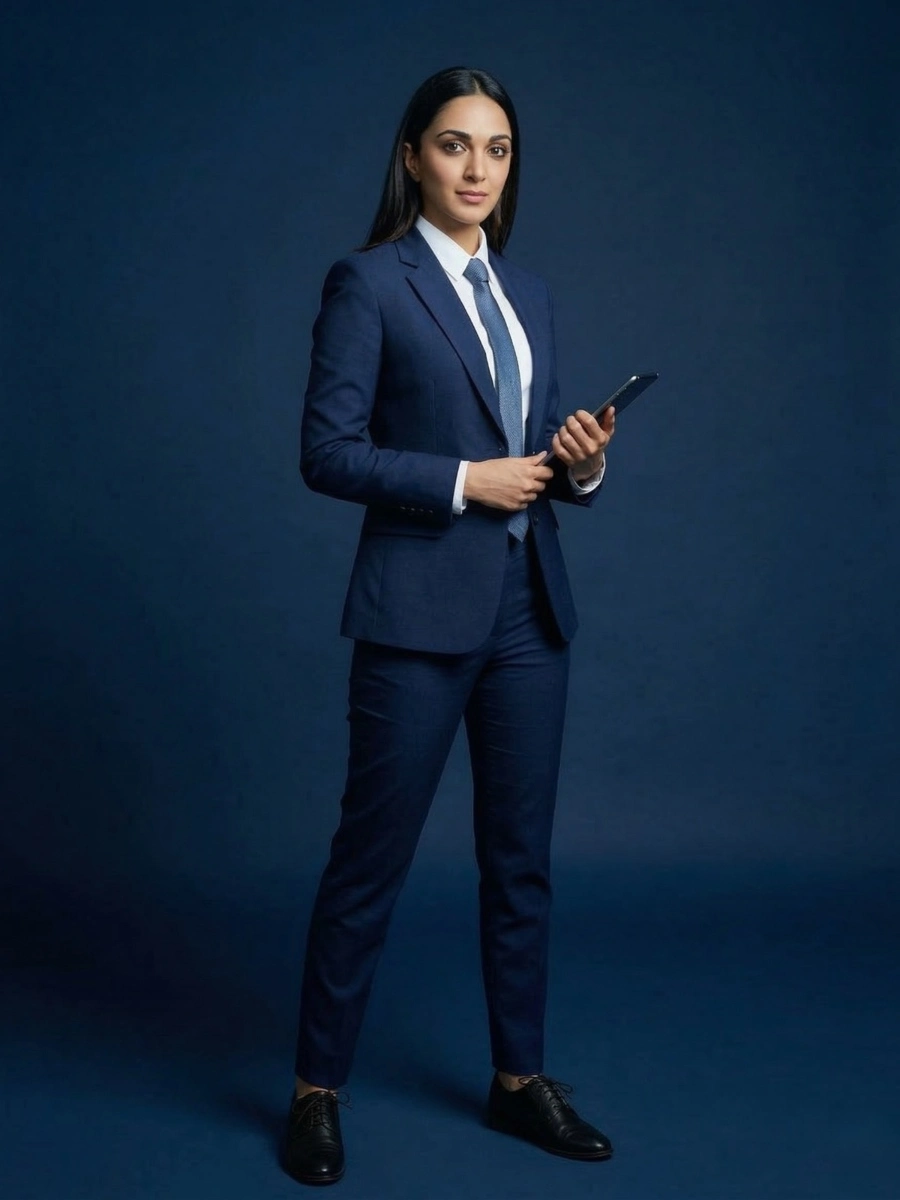
Creating a professional business image in a suit used to require a studio shoot, a photographer, lighting setup, and expensive editing. Today, AI image generators have completely changed that process. With the right professional business suit AI prompt, anyone can create a clean, sharp, and executive-style image in seconds. This is especially useful for LinkedIn profile photos, Instagram reels thumbnails, WhatsApp display pictures, portfolio images, and personal branding posts. Content creators, freelancers, and professionals are now using AI prompts to build powerful business visuals without spending money on photo sessions. In this guide, we’ll explain how to create high-quality business suit images using AI prompts, why they are trending, and how you can generate your own in just a few steps. Why Business Suit AI Images Are Trending Professional-looking images instantly create trust and authority online. Whether you are a creator, entrepreneur, or working professional, your online image matters. Here are a few reasons why AI-generated business suit images are trending: 1. Personal Branding People want to look professional on platforms like LinkedIn, Instagram, and Twitter/X. AI prompts allow users to generate elegant suit photos that look like studio photography. 2. Fast Content Creation Reel creators and influencers often need strong visuals for thumbnails or profile pictures. AI prompts help generate multiple variations quickly. 3. No Expensive Photoshoot Needed Traditional business photography can cost a lot. AI image prompts allow users to create high-quality professional images for free or at very low cost. 4. Perfect for Social Media Profiles A clean suit image works perfectly for: LinkedIn profile photo Instagram profile DP Business website about page Freelancer portfolios Startup founder profiles Because of these benefits, professional suit style prompts are becoming one of the most searched AI image categories. Example Professional Business Suit AI Prompt Here is an example prompt style creators use: Ultra-realistic professional business photo of a confident man wearing a tailored navy blue suit, white shirt, and elegant tie, modern corporate office background, soft studio lighting, sharp focus, executive style, high-end business photography, natural skin texture, 85mm lens, depth of field, ultra detailed, 8k. You can modify this prompt depending on your needs: Change gender Change suit color Add office or luxury background Adjust lighting style Small changes can create completely different professional looks. Best Use Cases for Business Suit AI Images Many creators are now using these images in different ways online. LinkedIn Profile Photos A professional suit image makes your LinkedIn profile look polished and trustworthy. Recruiters often judge profiles based on the quality of the photo. Instagram Content Creators are using business-style AI photos for: Reel covers Profile pictures Personal branding posts This gives their page a premium professional vibe. YouTube Channel Branding Entrepreneurs and educators often use AI-generated business photos for: Channel profile photos Video thumbnails Course promotions Freelancer & Portfolio Websites Designers, marketers, and developers add AI suit images to their websites to present a professional online identity. Why Creators Love AI Suit Prompts The biggest advantage of these prompts is speed and flexibility. With a single prompt you can generate: multiple suit colors different poses various lighting styles corporate or luxury backgrounds This means you can create an entire professional image set in minutes. For creators who post daily content on Instagram or YouTube, this saves huge amounts of time. Image Generator Steps for “professional business suit ai prompt” Step 1: Clear and high-quality face photo select karo. Photo blur na hoy ane face proper visible hoy. Step 2: “Generate” button par click karo ane system ne image create karva do. Step 3: Image ready thai jai pachhi “Download” ke “Share” button par click karo ane generated image save karo.
.webp)
.webp)