Article Overview
In-depth analysis and key takeaways
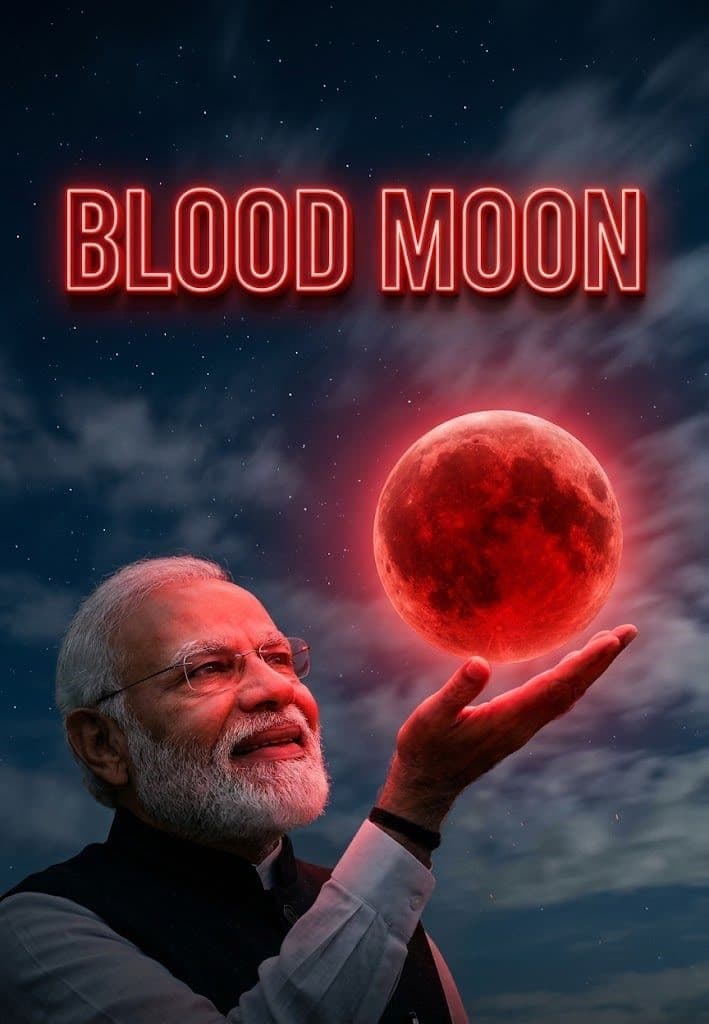
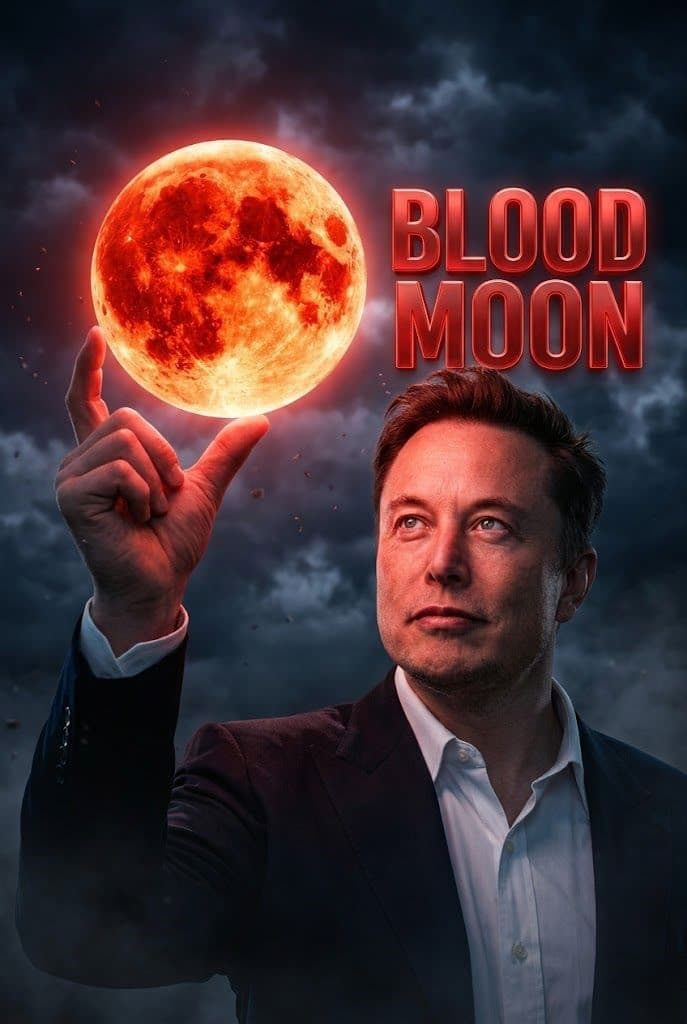
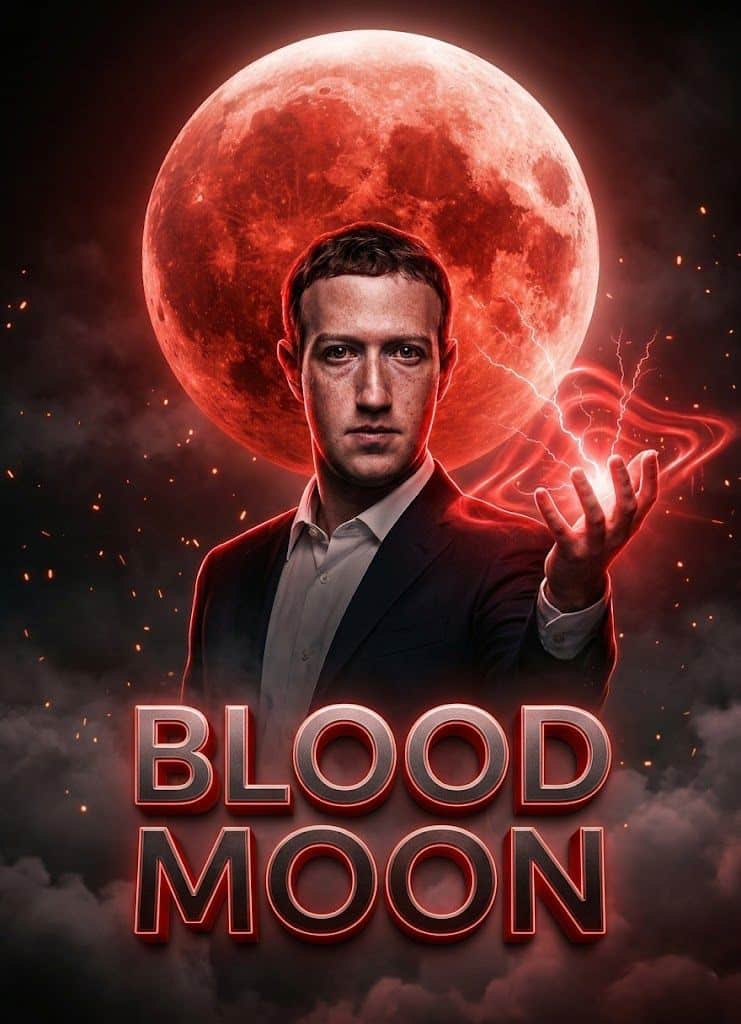
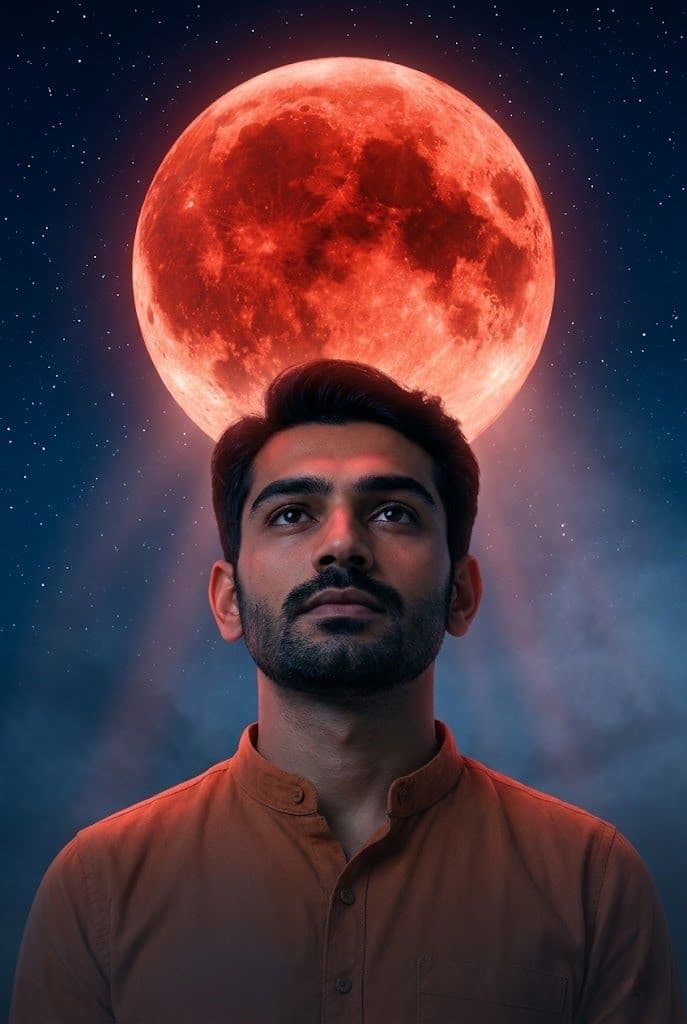
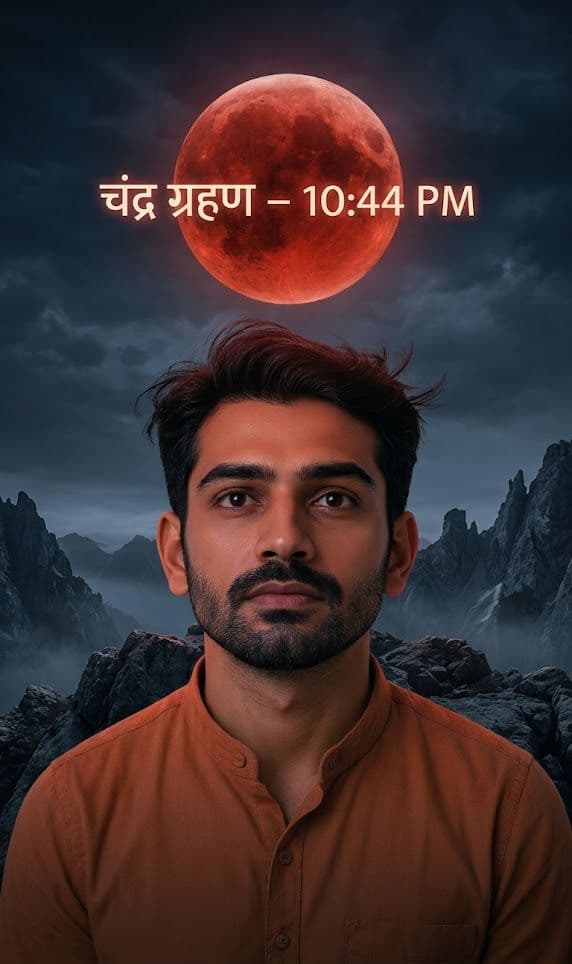
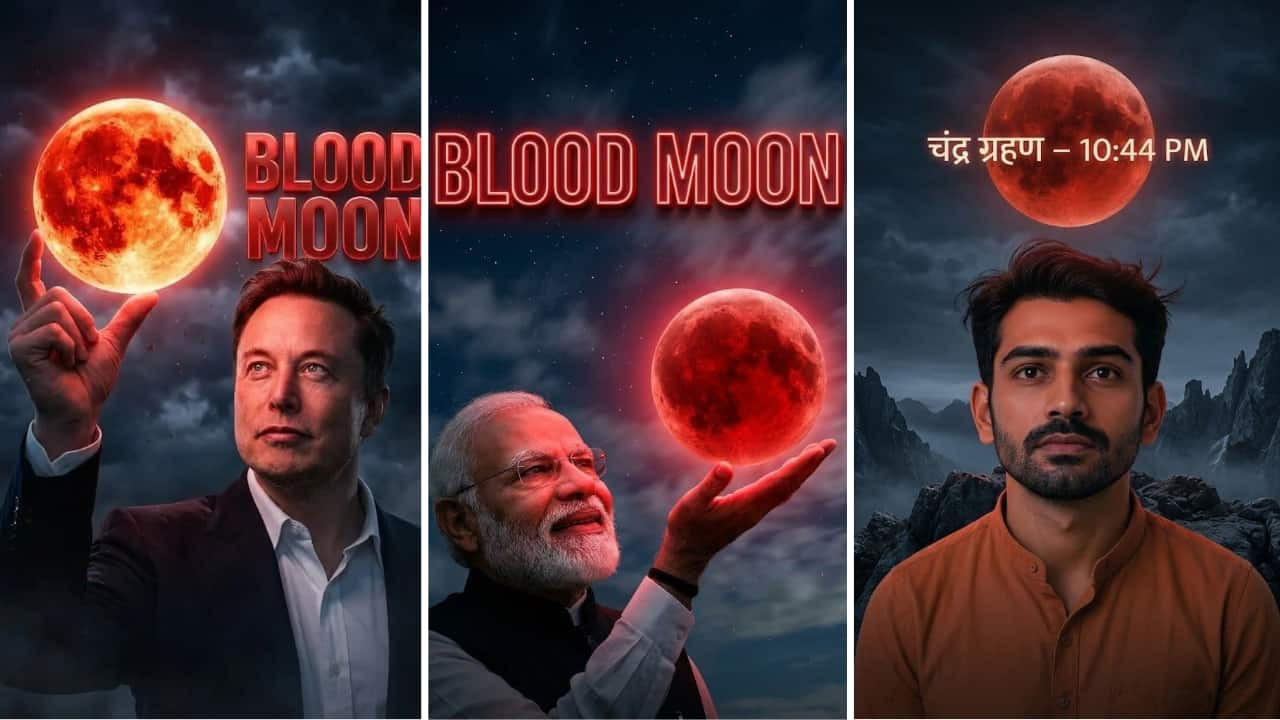
Blood Moon Photo Prompt | Chandra Grahan AI Prompt Guide mein aapko milega copy‑paste ready prompts jo lunar eclipse (चंद्र ग्रहण) vibe ko ultra realistic, cinematic aur Instagram‑trending look me convert kar de. Agar aap Midjourney, SDXL, Stable Diffusion ya Gemini use kar rahe ho, yahan aapko scene ideas (red moon texture, stars, clouds, fog, rim light), camera‑style settings (85mm, f/1.8, HDR), aur negative prompts (no blur, no silhouette, no face change) milenge—taaki output clean aur natural aaye. Is guide ka focus real user questions par hai: “best blood moon prompt kya hai?”, “face sharp kaise rakhein?”, “red moonlight skin par natural kaise lage?”, aur “vertical 9:16 reels look kaise banaye?” Saath hi, aapko ready templates milenge: realistic blood moon landscape, cinematic chandra grahan sky replacement, couple shot, and devotional night mood. Ab apni photo choose karo, prompt paste karo, generate karo—aur final image download/share karke content post kar do. Image Generator Steps for “blood moon photo prompt” Step 1: Clear ane high-quality face photo select karo. Photo blur na hoy ane face proper visible hoy. Step 2: “Generate” button par click karo ane system ne image create karva do. Step 3: Image ready thai jai pachhi “Download” ke “Share” button par click karo ane generated image save karo